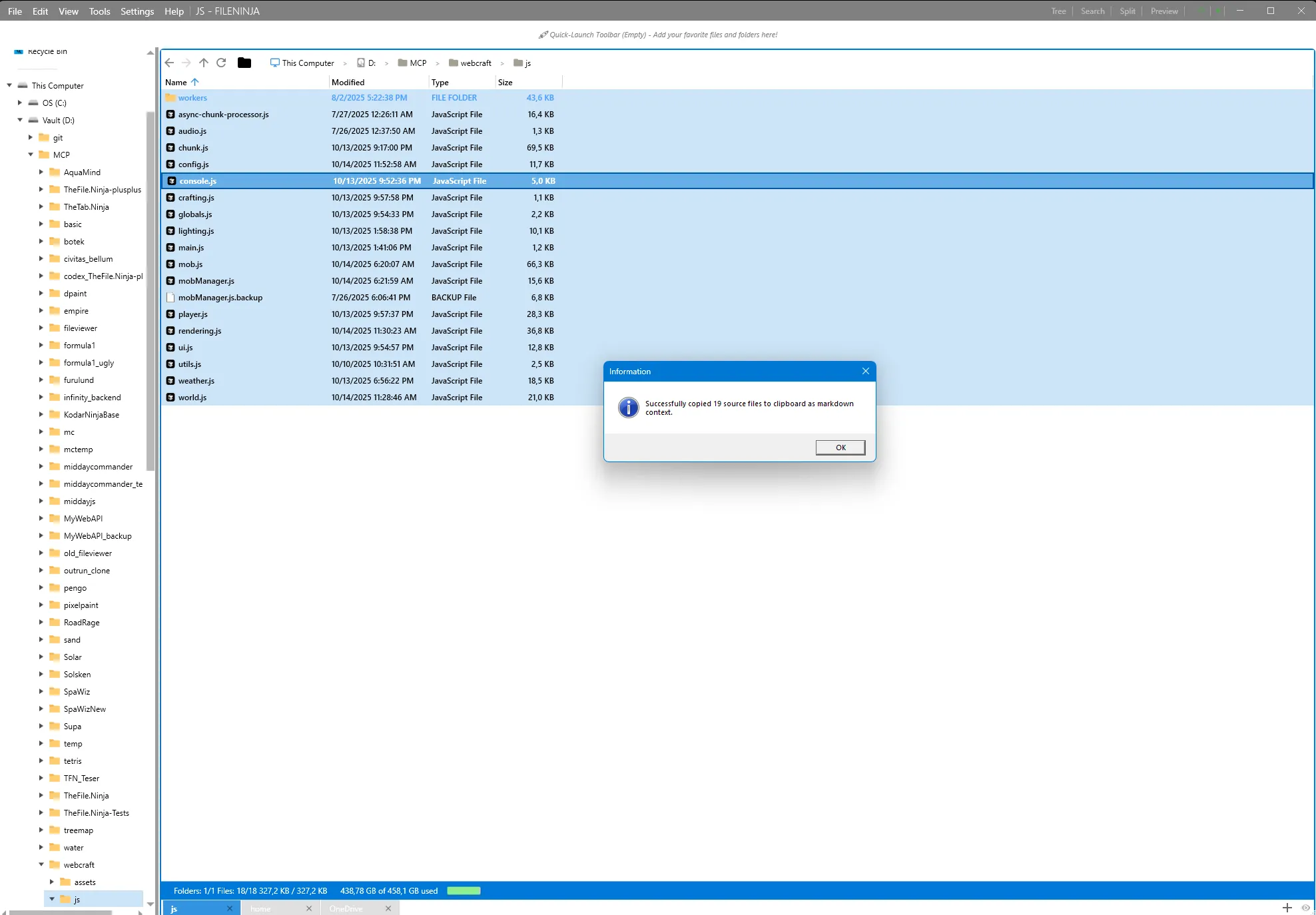
Now in Public Beta

The file workspace you can program.

Everything-powered search, Lua scripting with 400+ APIs, cron scheduler, versioned backups, file system watchers, AI automation, and Magic Wormhole transfer — in one local-first workspace.

30-day Pro trial · No subscription required · Free Core tier forever

TheFile.Ninja dual pane interface

Everything you'd otherwise need five tools for

Plain facts about the scope — not a pitch.

  • File management

    Dual pane, tabs, Miller Columns, themes, tags

  • Instant search

    Everything SDK integration, EQL syntax, Smart Folders

  • Automation platform

    26 Lua scripting modules, 400+ API functions

  • Task scheduler

    Cron expressions with catch-up policies for missed runs

  • Versioned backup

    Content-addressable storage, deduplication, point-in-time restore

  • File system watcher

    Real-time event handling with debouncing

  • AI assistant

    Describe what you want, get inspectable Lua scripts (BYOK)

  • Magic Wormhole

    Encrypted peer-to-peer file transfer

  • Developer features

    Git status columns, grep search, text diff, HTTP client, JSON tooling

One workspace for the full life of a file

More than a faster Explorer replacement. Find files instantly, organize them intelligently, automate repetitive work, and recover older versions when things go sideways.

Organize intelligently

Smart Folders, tags, metadata and virtual navigation let you structure files by meaning — not by where they happen to live.

Protect and restore

Built-in versioned backup keeps recovery as simple as browsing files. No separate backup tool to wrestle with.

Instant search that becomes navigation

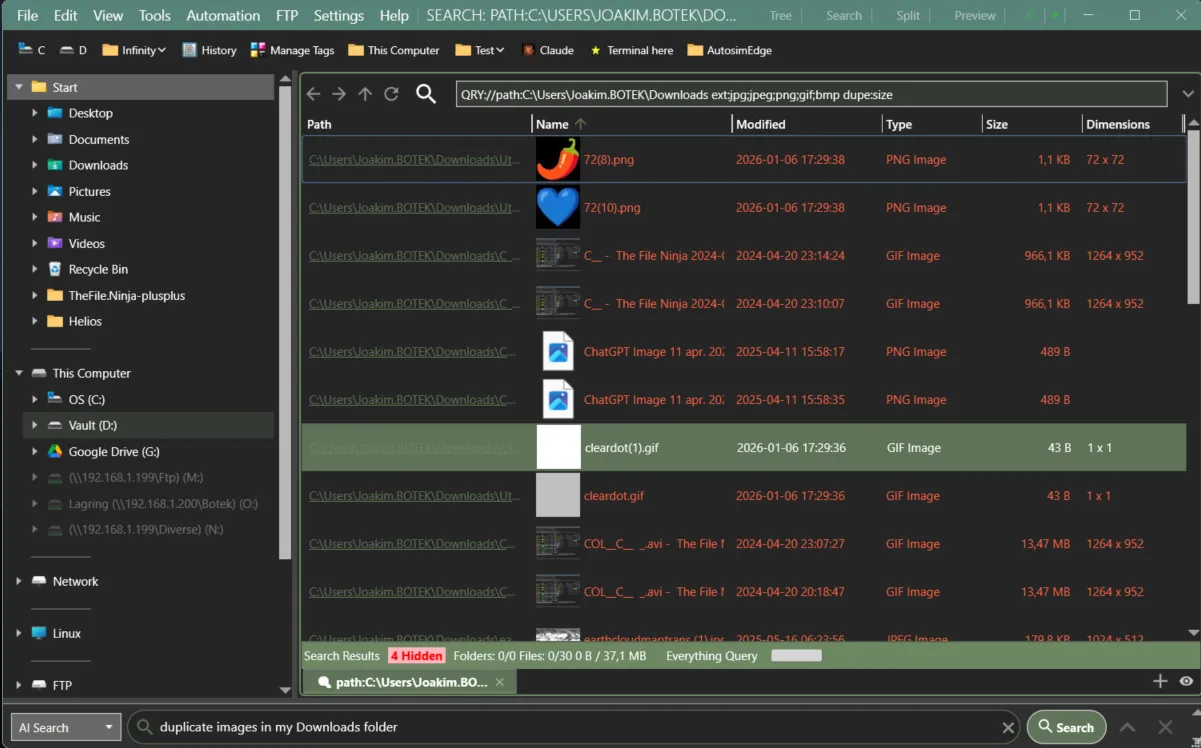
TheFile.Ninja deeply integrates with Everything to deliver real-time results across huge file collections. But speed is only half the story: searches can be refined, inspected, saved, and turned into Smart Folders that stay up to date automatically.

  • Use plain filters or advanced manual queries
  • Save searches as live Smart Folders
  • Combine name, size, date, tags, and more
  • Work from results directly instead of restarting your search every time
Everything search integration

Search is not a side panel here. It is a first-class way to navigate your files.

One interface for everything you do with files

Most file managers treat search, folders, backup, and automation as separate tools. TheFile.Ninja brings them into one consistent workspace. A search result, a Smart Folder, a backup snapshot, and a live directory all look and behave the same way — so you never have to switch context or learn a different tool.

  • Search results you can browse, sort, tag, and act on directly — including grep-like text matches inside files
  • Smart Folders that update as your files change
  • Backup versions accessible through the same file browser
  • Git status, metadata, and preview — all in one view
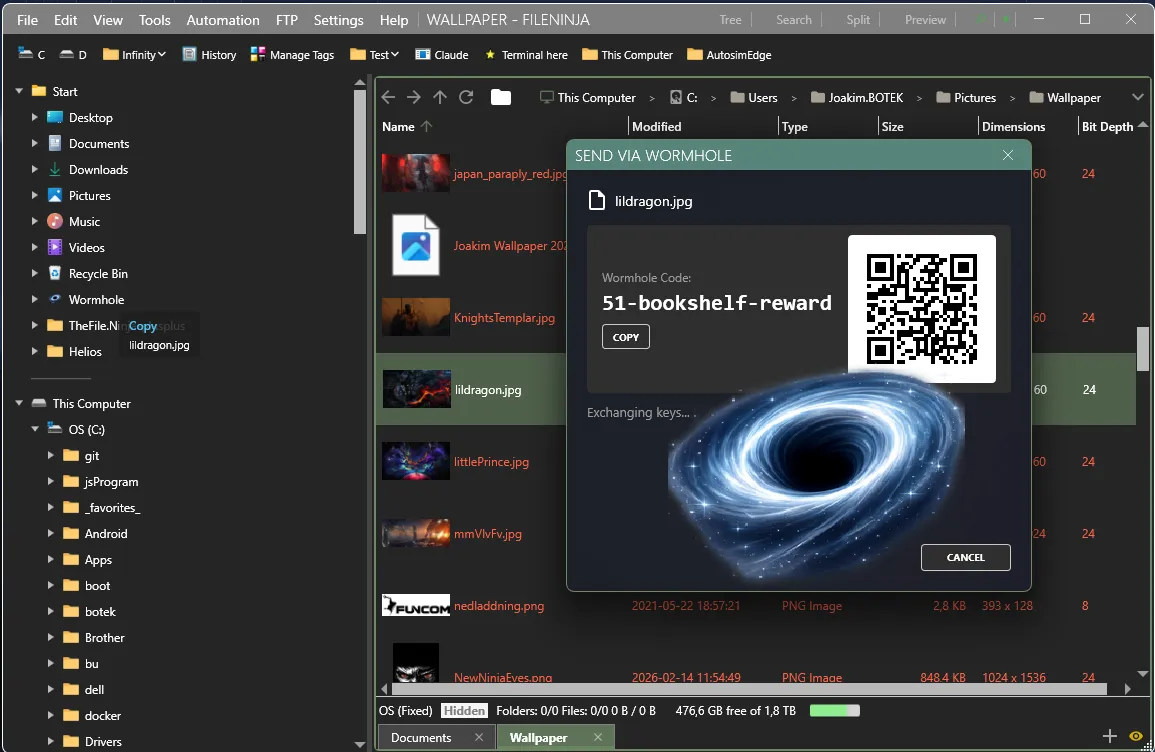
  • Send files and folders securely to other computers and phones via Magic Wormhole
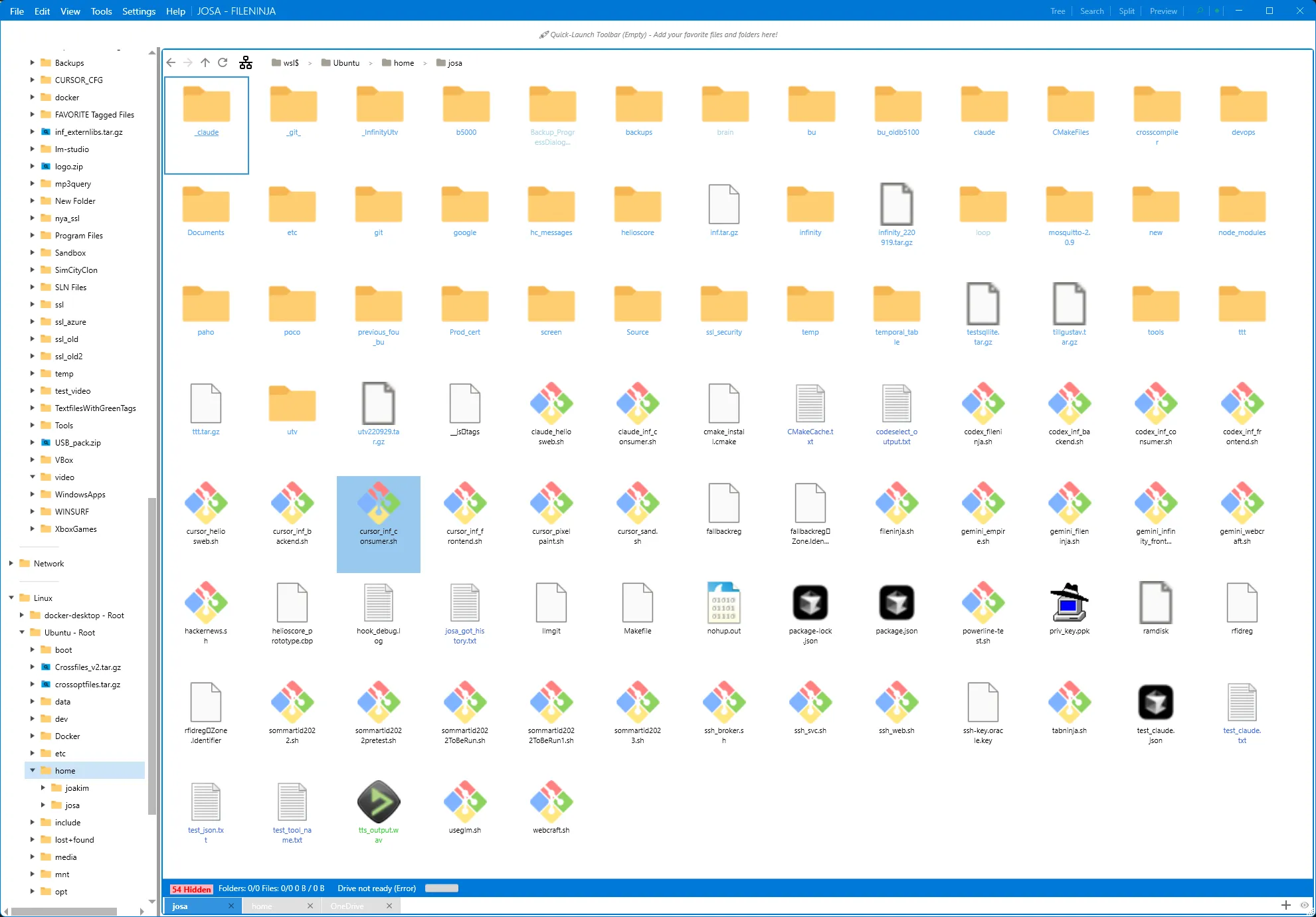
Unified tree view with virtual navigation

Live data, search results, backups, and virtual sources — navigated the same way.
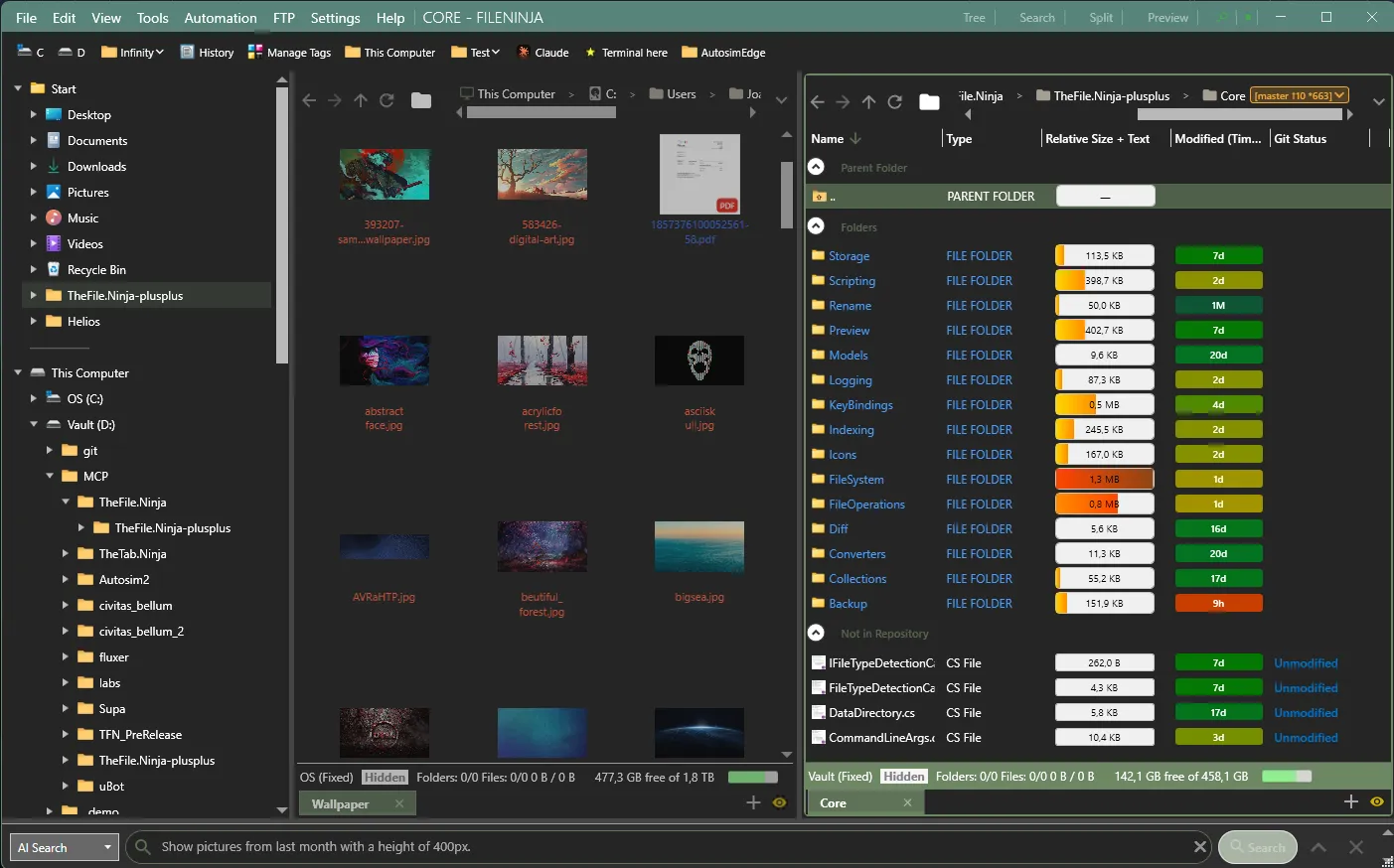
Built for people who live in the filesystem.

Git-aware columns, async job queues, history and undo/redo of file operations — tools that save minutes every day.

Git-Aware

Branch & Status in View

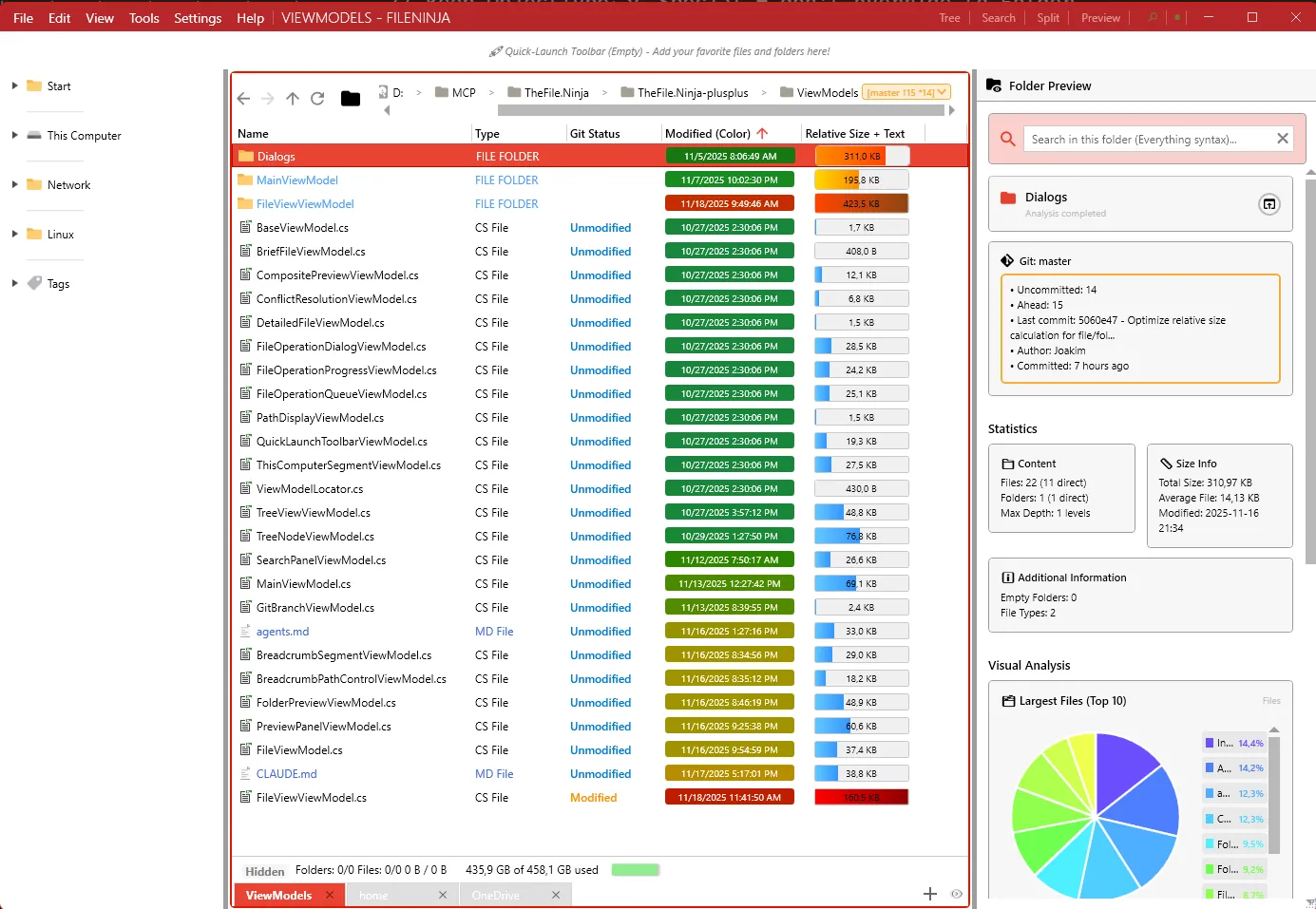
Git repos show branch and dirty state. A dedicated column displays Modified/Untracked entries — sortable by state.

Git status column showing branch and file states
Job Queue

Async File Operations

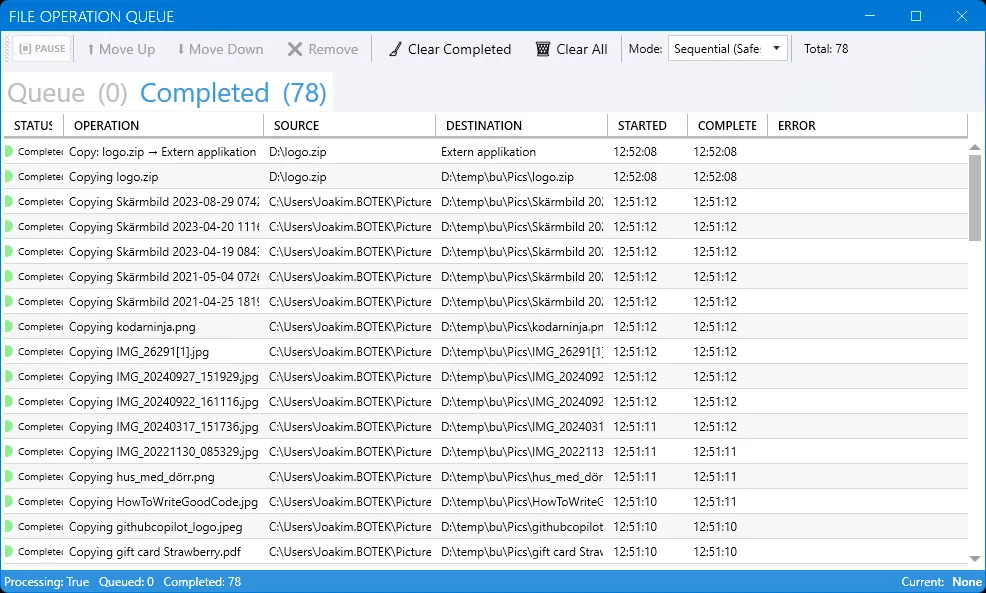
Copy, move, and archive run in a background queue. Pause, resume, prioritize — without blocking the UI.

Background job queue with pause and resume
Backup

Built-in Backup Management

Keep your files safe, versioned, and easily recoverable — without reaching for a separate backup tool.

Versioned backup browsing
Grep Search

Text Search Inside Files

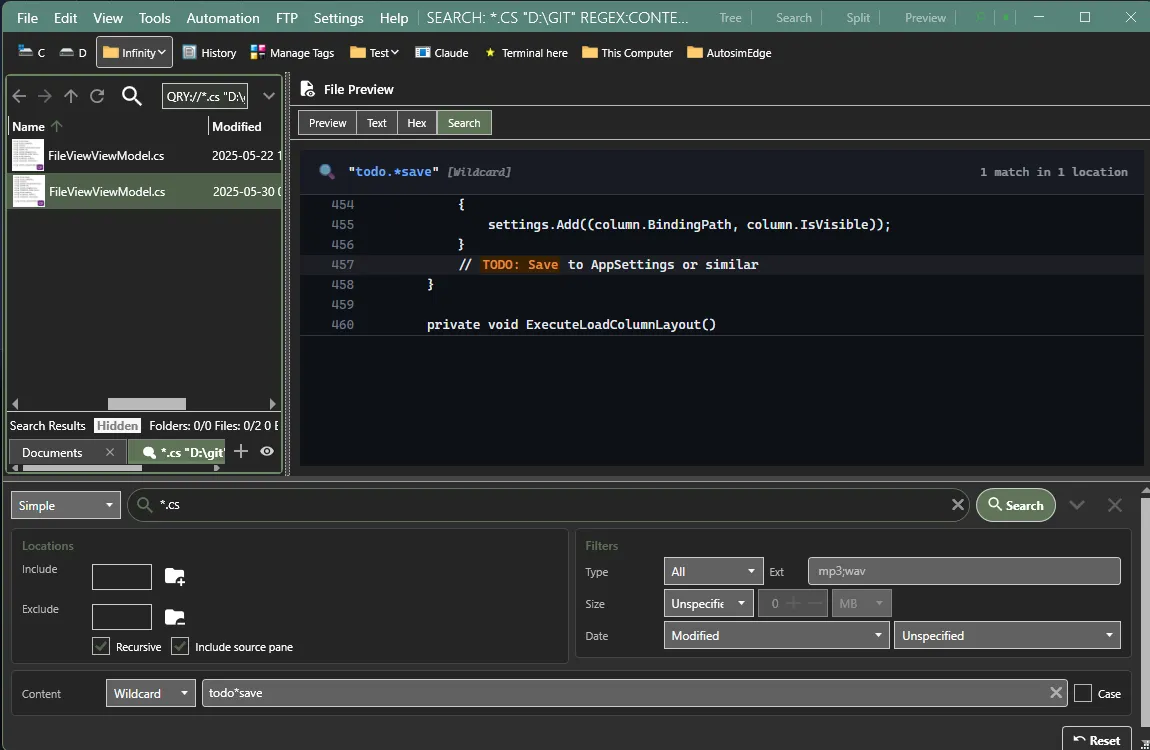
Search file contents with grep-like precision. Regex support, file type filters, and results you can browse and act on directly.

Grep-like text search inside files
Text Diff

Side-by-Side File Compare

Compare files, versions, or Git diffs with a built-in diff viewer. Spot changes instantly with highlighted additions, deletions, and modifications.

Side-by-side text diff viewer
Magic Wormhole

Secure File Transfer

Send files and folders securely between devices — computers, phones, tablets — using Magic Wormhole. No cloud, no accounts, end-to-end encrypted.

Magic Wormhole secure file transfer

Simple, honest pricing.

Try free for 30 days. Then own it forever. Unlimited machines. No subscriptions.

Core

$0

Free forever — and you start with a 30-day trial of every Pro feature.

During your 30-day Pro trial

  • Every Pro feature unlocked
  • No credit card required
  • Bring your own API key for AI

After 30 days — Core, free forever

  • Core file manager stays fully functional
  • AI Studio (Pro)
  • Git, SSH & FTP (Pro)
  • Backups (Pro)
  • App updates (Pro)
Get Core Free
Founders Price

Lifetime

$129$79

For early believers. Lock in updates forever at a price that won't come back.

  • Everything in Pro — permanent
  • All future app updates included — forever
  • Unlimited personal machines
  • Exclusive limited-time offer
Get Lifetime

Roadmap

Where we are. Where we're going. Subject to change based on feedback.

Now

Stabilization

  • Bug fixes
  • Community feedback
  • Documentation
Next

Enhancement

  • Enhanced search
  • Metatags
  • More powerful scripting
Later

1.1.0 Release

  • More amazing features
  • AI tagging and local AI support
  • AI provider service as option

Frequently Asked Questions

Quick answers to common questions about TheFile.Ninja.

Yes! Core is free forever, and you start with a 30-day trial of every Pro feature — no credit card, no limitations. After 30 days you keep the free Core tier, or a one-time Pro or Lifetime purchase unlocks everything for good. No subscriptions.

Everything 1.5 by voidtools is included with TheFile.Ninja, giving you instant search across millions of files out of the box. If you already run an existing Everything instance, you can easily switch over to use that one instead.

Your license is permanent and works offline. If development ever stops, the last version you have continues to work forever. We're also exploring open-sourcing the core if the project is ever discontinued.

No. TheFile.Ninja is a local-first application. It doesn't phone home, track usage, or upload your file data anywhere. AI features use your own API key and communicate directly with the provider — we never see your queries.

Yes. Your license is personal and can be used on any number of machines.

Ready to take control of your files?

Dual pane, Everything search, tags, backup, scripting, Smart Folders, preview pane — all included. Ready in under a minute.

Windows 10 / 11 .NET 8+ Everything included